Environment
Environment component.
Environment, Customization Blocks
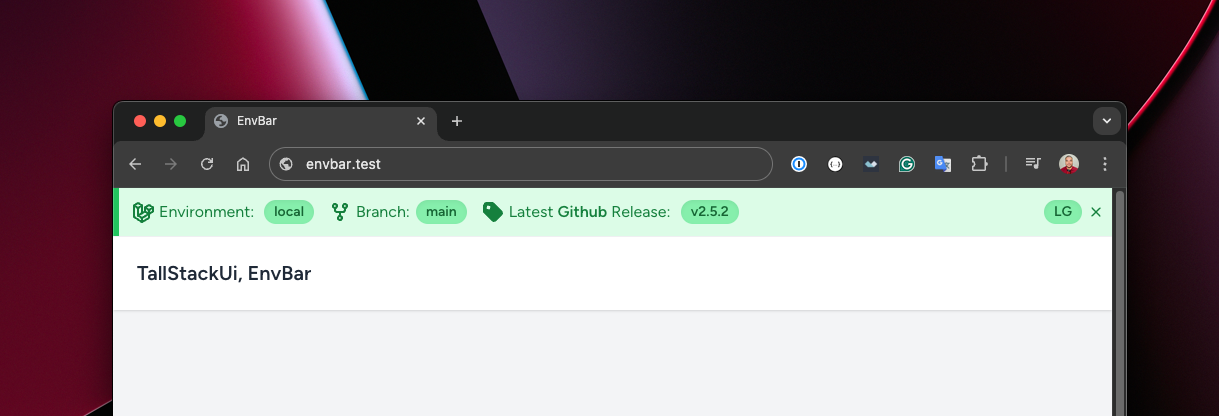
<x-environment />With the example above you should realize that the environment is a basic component. If you want to go further in order to use something more sophisticated, consider to know more about the EnvBar. Unlike the environment component, the EnvBar is a fixed bar at the top of the screen that serves to display several other information about the current environment - not just the environment name and branch.
<!-- Boolean: applies rounded-full --><x-environment round /> <!-- Size keys: xs, sm, md, lg, xl --><x-environment round="xs" /><x-environment round="sm" /><x-environment round="md" /><x-environment round="lg" /><x-environment round="xl" /><x-environment square /><x-environment xs /> <!-- Default --><x-environment sm /><x-environment md /><x-environment lg /><x-environment without-branch />Internally TallStackUI uses a simple algorithm to get the current branch name based on the .git folder and its content. However, you can create your own algorithm to be used for branch detection.
This is the current original algorithm:
use Illuminate\Support\Facades\File; private function branch(): ?string{ // ... if (($branch = rescue(fn () => File::get(base_path('.git/HEAD')), report: false)) === null) { return null; } $string = str($branch); if (! $string->contains('ref: refs/heads/')) { return null; } return $string->replace('ref: refs/heads/', '')->trim()->value();}If you want to create your own algorithm, just define it through a service provider:
use Illuminate\Support\ServiceProvider; class AppServiceProvider extends ServiceProvider{ public function register(): void { // ... $this->app->bind('tallstackui::environment::branch', function () { return 'logic goes here'; }); }}You may have noticed that there is no way to define component colors. Internally TallStackUI defines default colors by environment name, however you can customize all colors, as well as create new ones by environment name.
You can customize or create new colors per room by following TallStackUI color customization.